
SSCC Labels.
Fully automated.
Generate retailer-specific SSCC/NVE labels natively inside your shipping notice flow. Both in-house and external fulfilment are supported.

Meet every retailer's exact spec
Standard GS1 or fully custom — we configure labels to match your retailer's exact requirements, even specs free tools like GS1 Print can't handle.

Zero manual data entry
Labels are generated automatically from your Dispatch Instruction, ready to print. No more typing carton-by-carton into a retailer portal or a standalone tool.

Any fulfillment setup, fully covered
In-house warehouse or external 3PL. Procuros Portal or your own ERP/WMS via API. Every combination of fulfillment and integration mode is supported.
One automated flow,
from packing to shipping.
Generate unique SSCCs, create retailer-specific labels, and send them with your shipping notice — without manual templates or serial-number tracking.

From EDI requirements to live.
Instantly.
Select your trade partners and the documents you want to exchange.
Procuros automatically configures everything you need to start trading.
Built for every supplier:
Procuros adapts to every partner, format or workflow.
Add new trading partners without lengthy onboarding projects or technical setup.
Suppliers keep working in their preferred way — EDI, email, PDFs, or portals — while Procuros handles the complexity behind the scenes.
Plug and play.Ready to trade.
With Procuros, you only need to connect once.
From there, you instantly gain access to your full supplier network.
No matter their size or tech stack, they’re covered.






That’s how SSCC / NVE Labels works with Procuros:
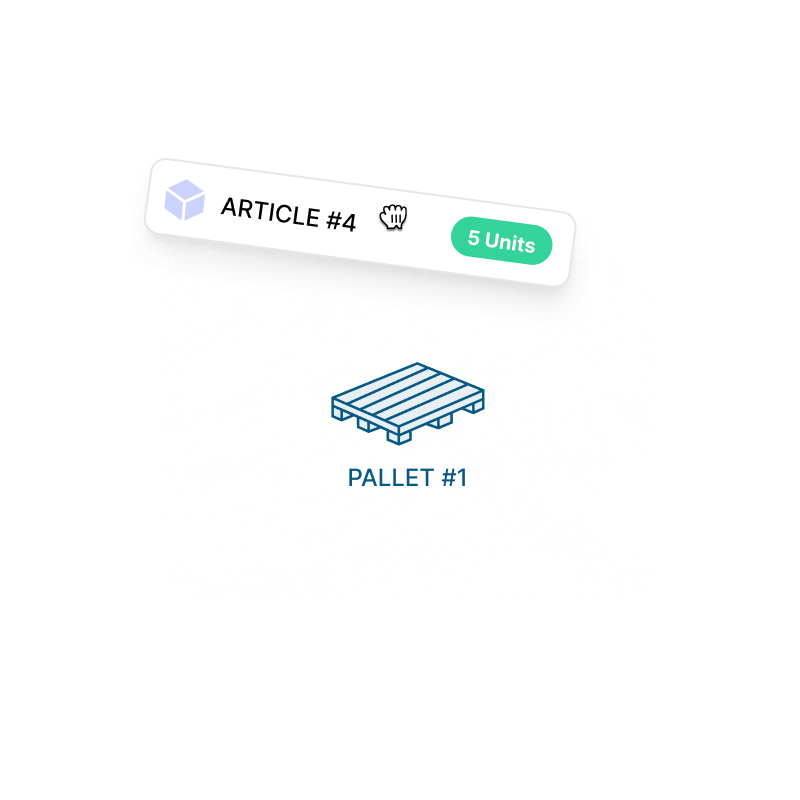
Build your digital packing list
Construct the transport-unit hierarchy (cartons, pallets etc.) exactly as your warehouse or 3PL physically packed the shipment — in the Procuros Portal, or via API from your own ERP/WMS.
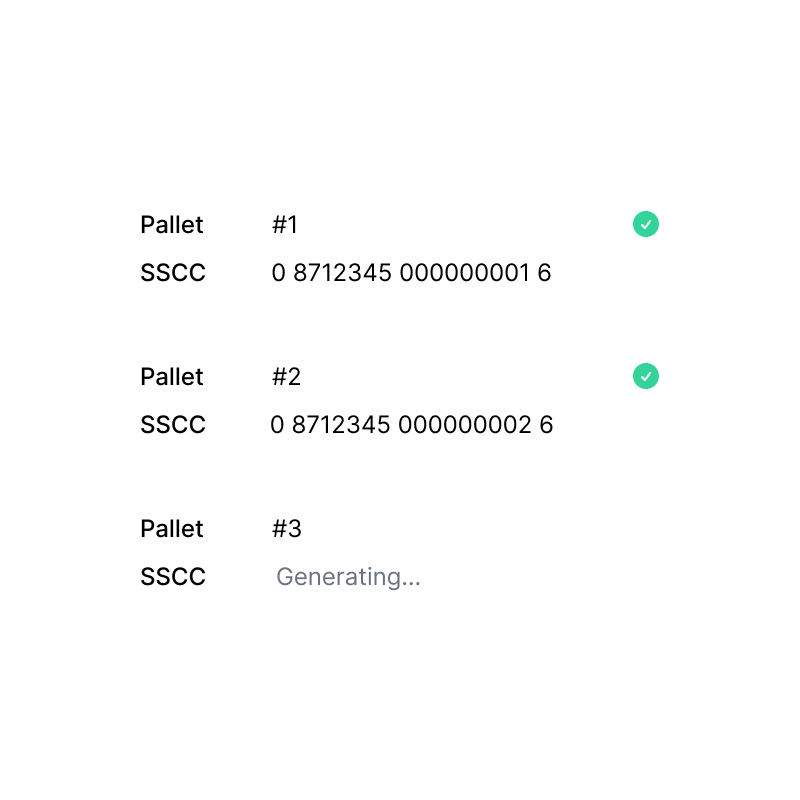
SSCCs generated and tracked automatically
Procuros manages your GS1 serial counter and generates a unique SSCC for every transport unit — no spreadsheets, no risk of duplicate numbers.
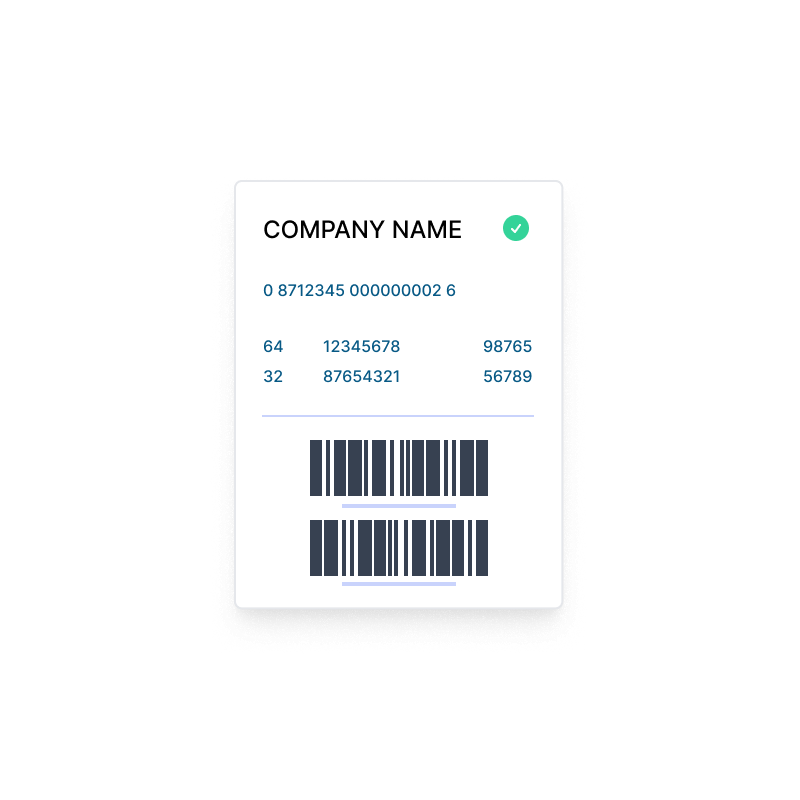
Retailer-specific labels, ready to print
Get the exact label your retailer requires — standard GS1 or a fully custom layout — generated automatically from your packing list, with no manual template work on your side.
Attach and ship
Print or download the labels from the Portal, or pull them via API directly at the picking station in your warehouse. Attach them to the transport units and ship exactly as you do today.

Shipping notice sent automatically
The full packing list — including every SSCC — is transmitted to your retailer as part of the shipping notice. No separate manual submission step in a retailer's web portal.

That’s how SSCC / NVE Labels works with Procuros:
Build your digital packing list
Construct the transport-unit hierarchy (cartons, pallets etc.) exactly as your warehouse or 3PL physically packed the shipment — in the Procuros Portal, or via API from your own ERP/WMS.
Attach and ship
Print or download the labels from the Portal, or pull them via API directly at the picking station in your warehouse. Attach them to the transport units and ship exactly as you do today.
SSCCs generated and tracked automatically
Procuros manages your GS1 serial counter and generates a unique SSCC for every transport unit — no spreadsheets, no risk of duplicate numbers.
Retailer-specific labels, ready to print
Get the exact label your retailer requires — standard GS1 or a fully custom layout — generated automatically from your packing list, with no manual template work on your side.
Shipping notice sent automatically
The full packing list — including every SSCC — is transmitted to your retailer as part of the shipping notice. No separate manual submission step in a retailer's web portal.
That’s how SSCC / NVE Labels works with Procuros
Build your digital packing list
Construct the transport-unit hierarchy (cartons, pallets etc.) exactly as your warehouse or 3PL physically packed the shipment — in the Procuros Portal, or via API from your own ERP/WMS.
SSCCs generated and tracked automatically
Procuros manages your GS1 serial counter and generates a unique SSCC for every transport unit — no spreadsheets, no risk of duplicate numbers.
Retailer-specific labels, ready to print
Get the exact label your retailer requires — standard GS1 or a fully custom layout — generated automatically from your packing list, with no manual template work on your side.
Attach and ship
Print or download the labels from the Portal, or pull them via API directly at the picking station in your warehouse. Attach them to the transport units and ship exactly as you do today.
Shipping notice sent automatically
The full packing list — including every SSCC — is transmitted to your retailer as part of the shipping notice. No separate manual submission step in a retailer's web portal.
Much more than just an OCR feature
AI-based with 100% data accuracy
Smart document linking
Works directly in your ERP
Frequently Asked Questions
What is an SSCC/NVE label, and why do retailers ask for it?
An SSCC (Serial Shipping Container Code) — called NVE (Nummer der Versandeinheit) in German — is a unique barcode identifying a single transport unit (a pallet, crate, or carton) within a shipment. Retailers scan these at goods receipt instead of manually checking every unit, which significantly speeds up their warehouse process.
Which retailers require SSCC labels?
A growing number, including Amazon, Edeka, Rewe, most Markant-affiliated retailers (such as Rossmann, dm, Müller, and Globus), Douglas, Zalando, and El Corte Inglés, require SSCC labels for at least some order types. Typically, it becomes mandatory as soon as you switch to EDI. If your retailer has asked you for this, we can support you.
Can Procuros generate custom, retailer-specific label layouts — not just standard GS1?
Yes. Beyond the standard GS1 template, we can configure fully custom label layouts to match a retailer's exact specification, including data fields or layouts that free tools can't produce.
Do I need my own GS1 company prefix?
Yes — generating valid SSCCs requires a GS1 company prefix assigned to your company (not to Procuros), which forms the basis of every SSCC you generate. If you don't have one yet, we can point you in the right direction.
Does this work if we use an external 3PL or fulfillment provider?
Yes. Both in-house warehouses and external 3PLs are supported. Your 3PL can generate and print labels directly at the picking station — through the Procuros Portal or via API — without you needing to be involved in every shipment.
What if a transport unit contains more than one product (a mixed pallet)?
Mixed transport units are supported and labeled with an SSCC only, since product-level data like GTIN, quantity, and best-before-date only applies to homogeneous units containing a single product. Homogeneous units get the fuller label with all product-level data included.
Do we need to change our ERP or how our warehouse works?
No. This fits into your existing shipping-notice process. You or your 3PL build the packing list either in the Procuros Portal or via API from your own ERP/WMS — nothing changes about how you physically pick, pack, or ship.
How fast can we get started?
Once your GS1 prefix and your retailer's label requirements are confirmed, we can typically activate SSCC generation within a few days.
Frequently Asked Questions
Which order formats are supported?
Procuros supports all common order formats, including PDF, Excel, CSV, EDI. Our AI-powered platform automatically reads and processes these formats — no manual setup or configuration required. This means you can connect with all your customers, regardless of their technical capabilities.
Do I need technical expertise to start using Procuros for order automation?
No technical expertise is needed to get started with Procuros. Our platform is designed to be plug-and-play, with pre-built ERP connectors and AI that works out of the box. There’s no need to configure OCR tools, create mappings, or run complex IT projects.
Which languages are supported for incoming orders?
Procuros supports multilingual order processing, meaning we can extract and process data from incoming orders in all major business languages, including (but not limited to) English, German, French, Spanish, Italian, and Dutch.
Can Procuros process multi-page orders?
Yes, Procuros can fully process multi-page orders — including those with hundreds of line items. Our AI engine automatically reads and extracts all relevant data across pages, ensuring nothing gets missed.
Do I need to change my ERP system to work with Procuros?
Not at all. Procuros adapts to whatever system you're already using — whether it's Odoo, Xentral, Weclapp, Microsoft Business Central, a legacy system, or even manual processes. We handle all the technical translation so you can keep working exactly as you do today.
What if my customers require different e-invoice formats?
Perfect — that's exactly what Procuros solves. Send one invoice format to us, and we automatically convert it to whatever each customer needs: XRechnung for German customers, PEPPOL for EU clients, or any other format. You manage one process, we handle dozens of requirements.
How quickly can I start receiving and sending documents via Procuros?
Within 48 hours of setup. We connect to your existing ERP processes and immediately start delivering documents (such as compliant e-invoices) to all your customers — no waiting, no complex implementations, no IT projects.
What happens if I don't have EDI capabilities?
No problem. Simply forward us your documents in whatever format you’re using (e.g., PDF, CSV) or create them in our web portal, and we'll convert them into whatever digital format your customers need. You get all the benefits of EDI without any of the technical complexity.
Will this disrupt my current invoicing process?
Zero disruption. Your finance team continues creating invoices exactly as they always have. Procuros handles everything after that — format conversion, compliance validation, and delivery to customers.