
Logistics, without any friction
Automate your logistics operations and eliminate the spreadsheet. Procuros connects your ERP directly to all your logistics and fulfillment partners—no more copy-pasting, emails, or delays.

Save 90% of your processing time
Automate any logistics document exchange and let your team focus on growth.

Eliminate order errors & discrepancies
Get clean, accurate shipping data automatically—no more missed items or manual data entry.

Scale operations without scaling cost
Grow your volumes without adding headcount or IT complexity.
From EDI requirements to live.
Instantly.
Select your trade partners and the documents you want to exchange.
Procuros automatically configures everything you need to start trading.
Built for every supplier:
Procuros adapts to every partner, format or workflow.
Add new trading partners without lengthy onboarding projects or technical setup.
Suppliers keep working in their preferred way — EDI, email, PDFs, or portals — while Procuros handles the complexity behind the scenes.
Plug and play.Ready to trade.
With Procuros, you only need to connect once.
From there, you instantly gain access to your full supplier network.
No matter their size or tech stack, they’re covered.







That’s how Logistics Automation works with Procuros:
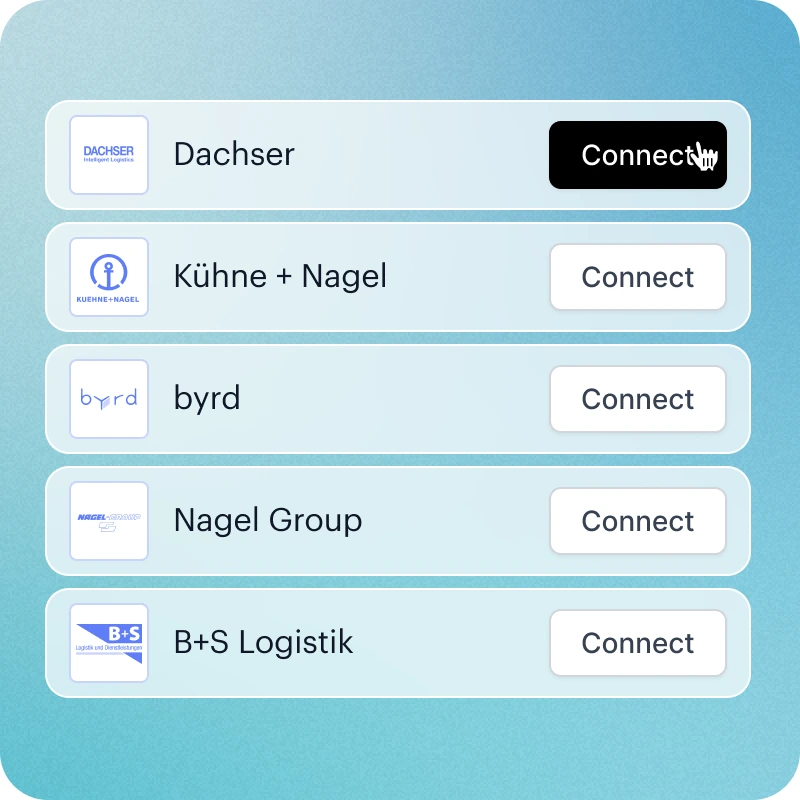
Pre-connected logistics partners
We already have onboarded all major logistics providers and main document types.
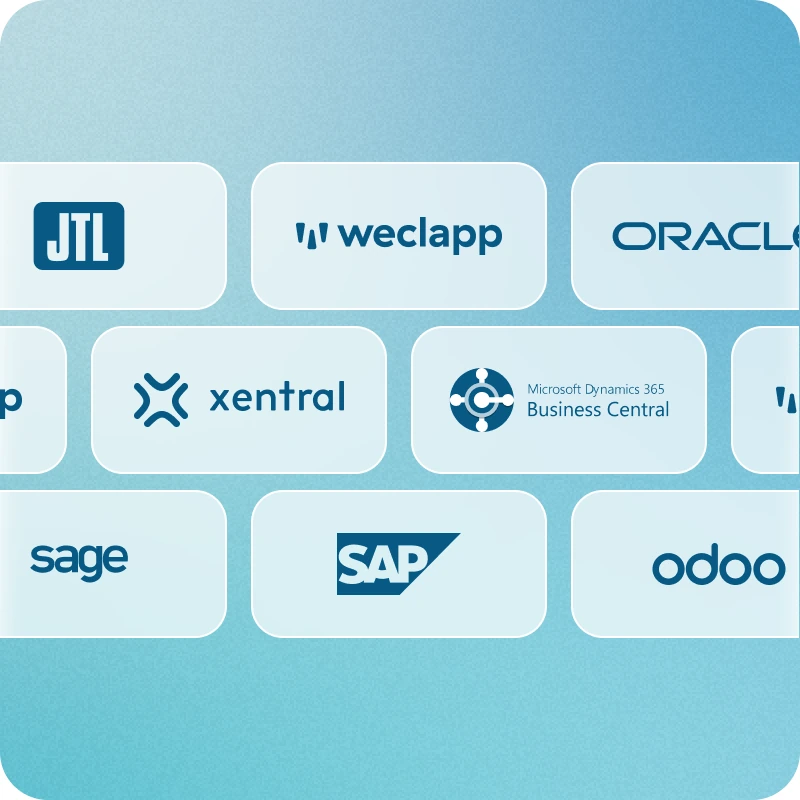
Direct ERP integration
All fulfillment data flows in and out of your system automatically. No Excel sheets or no manual data entry.
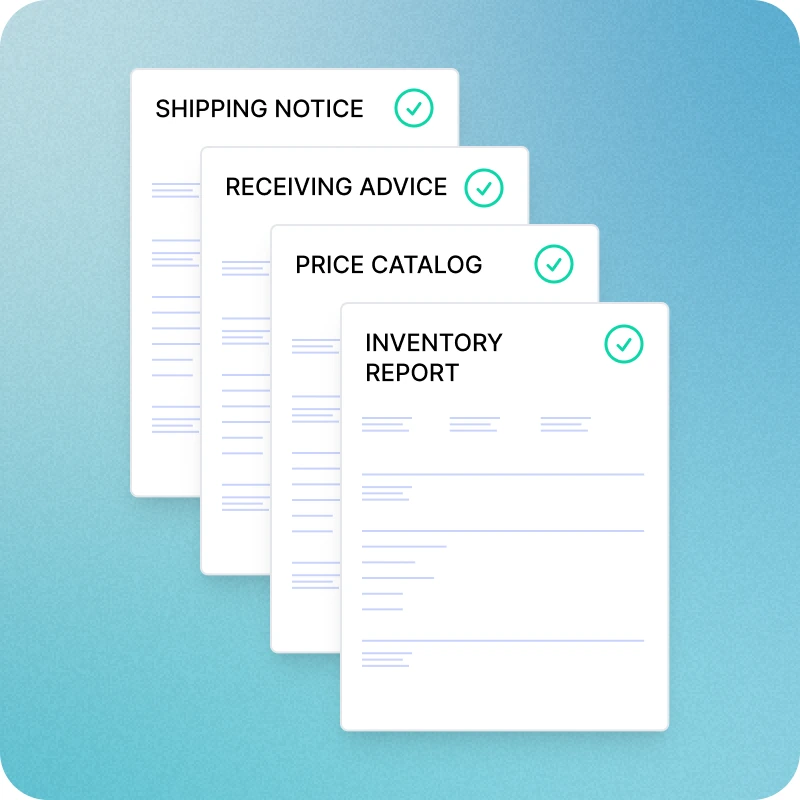
All document types covered
From product master data to incoming goods notifications and shipping notices, everything is included.
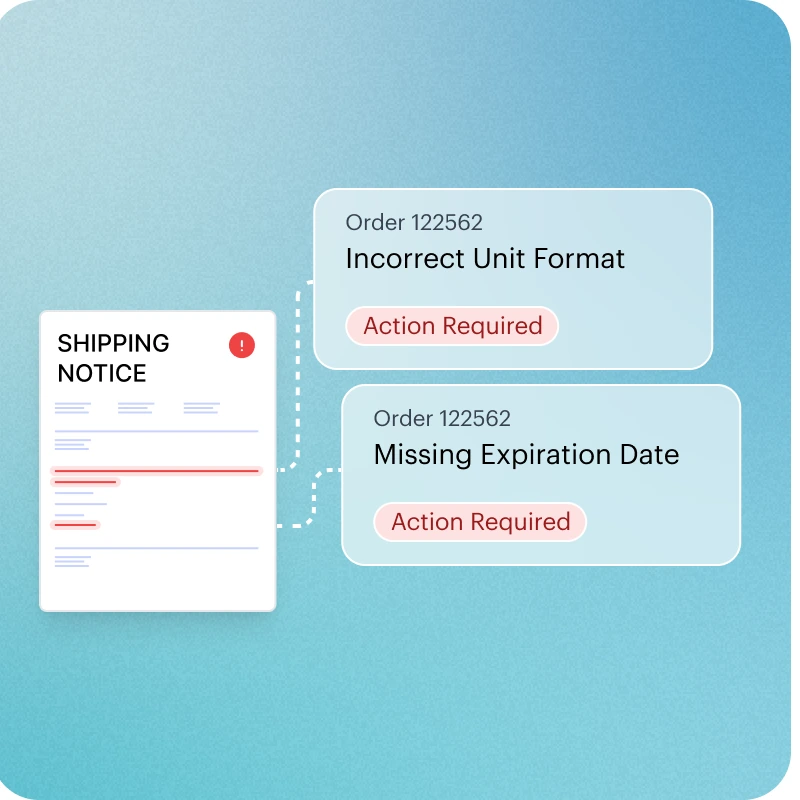
Instant issue resolution
Procuros makes it easy to spot and fix errors or missing data without disruption.

That’s how Logistics Automation works with Procuros:
Pre-connected logistics partners
We already have onboarded all major logistics providers and main document types.
Instant issue resolution
Procuros makes it easy to spot and fix errors or missing data without disruption.
Direct ERP integration
All fulfillment data flows in and out of your system automatically. No Excel sheets or no manual data entry.
All document types covered
From product master data to incoming goods notifications and shipping notices, everything is included.
That’s how Logistics Automation works with Procuros
Pre-connected logistics partners
We already have onboarded all major logistics providers and main document types.
Direct ERP integration
All fulfillment data flows in and out of your system automatically. No Excel sheets or no manual data entry.
All document types covered
From product master data to incoming goods notifications and shipping notices, everything is included.
Instant issue resolution
Procuros makes it easy to spot and fix errors or missing data without disruption.
Much more than just an OCR feature
AI-based with 100% data accuracy
Smart document linking
Works directly in your ERP
Frequently Asked Questions
What types of logistics documents can Procuros automate?
We automate a comprehensive range of logistics documents, including Product Master Data (PRICAT), Delivery Orders (INSDES), Shipping Notices (DESADV), Inventory Reports (INVRPT), Goods Receipts (RECADV), and Incoming Goods Advice (DESADVI). If there’s a document type your operations require that isn’t currently supported, our team can quickly add support for it.
What if my logistics partner isn’t on your platform?
If your logistics partner isn’t already on the Procuros platform, we can onboard them quickly. Our system is built to integrate with any partner, regardless of their technical setup or document format. Whether they use EDI, PDF, Excel, or email, Procuros can adapt and establish a connection without requiring a major IT project.
Can I use Procuros with multiple logistics partners simultaneously?
Yes, you can use Procuros with multiple logistics partners at the same time. The platform is designed to support seamless integration with all your fulfillment and logistics providers—regardless of their systems or formats.
Do I need to change my ERP system to work with Procuros?
Not at all. Procuros adapts to whatever system you're already using — whether it's Odoo, Xentral, Weclapp, Microsoft Business Central, a legacy system, or even manual processes. We handle all the technical translation so you can keep working exactly as you do today.
How quickly can I start receiving and sending documents via Procuros?
Within 48 hours of setup. We connect to your existing ERP processes and immediately start delivering documents (such as compliant e-invoices) to all your customers — no waiting, no complex implementations, no IT projects.
What happens if I don't have EDI capabilities?
No problem. Simply forward us your documents in whatever format you’re using (e.g., PDF, CSV) or create them in our web portal, and we'll convert them into whatever digital format your customers need. You get all the benefits of EDI without any of the technical complexity.
Frequently Asked Questions
Which order formats are supported?
Procuros supports all common order formats, including PDF, Excel, CSV, EDI. Our AI-powered platform automatically reads and processes these formats — no manual setup or configuration required. This means you can connect with all your customers, regardless of their technical capabilities.
Do I need technical expertise to start using Procuros for order automation?
No technical expertise is needed to get started with Procuros. Our platform is designed to be plug-and-play, with pre-built ERP connectors and AI that works out of the box. There’s no need to configure OCR tools, create mappings, or run complex IT projects.
Which languages are supported for incoming orders?
Procuros supports multilingual order processing, meaning we can extract and process data from incoming orders in all major business languages, including (but not limited to) English, German, French, Spanish, Italian, and Dutch.
Can Procuros process multi-page orders?
Yes, Procuros can fully process multi-page orders — including those with hundreds of line items. Our AI engine automatically reads and extracts all relevant data across pages, ensuring nothing gets missed.
Do I need to change my ERP system to work with Procuros?
Not at all. Procuros adapts to whatever system you're already using — whether it's Odoo, Xentral, Weclapp, Microsoft Business Central, a legacy system, or even manual processes. We handle all the technical translation so you can keep working exactly as you do today.
What if my customers require different e-invoice formats?
Perfect — that's exactly what Procuros solves. Send one invoice format to us, and we automatically convert it to whatever each customer needs: XRechnung for German customers, PEPPOL for EU clients, or any other format. You manage one process, we handle dozens of requirements.
How quickly can I start receiving and sending documents via Procuros?
Within 48 hours of setup. We connect to your existing ERP processes and immediately start delivering documents (such as compliant e-invoices) to all your customers — no waiting, no complex implementations, no IT projects.
What happens if I don't have EDI capabilities?
No problem. Simply forward us your documents in whatever format you’re using (e.g., PDF, CSV) or create them in our web portal, and we'll convert them into whatever digital format your customers need. You get all the benefits of EDI without any of the technical complexity.
Will this disrupt my current invoicing process?
Zero disruption. Your finance team continues creating invoices exactly as they always have. Procuros handles everything after that — format conversion, compliance validation, and delivery to customers.